Data Matrix and UID Code
2D Data Matrix codes are widely used for part traceability and permanent identification.
I-Mark software supports two types of 2D code entities:
- Data Matrix
- UID Code
Both entities encrypt fixed or dynamic data into a machine-readable format.

Inserting a Data Matrix Code
A Data Matrix entity may be inserted using either method:
- Select Data Matrix from the ribbon
- Drag the Data Matrix icon from the toolbox onto the marking layout
After insertion, the Data Matrix code will appear in the layout window.
To preview the encrypted data:
- Hover the mouse over the Data Matrix code without clicking.
The encrypted string will be displayed.
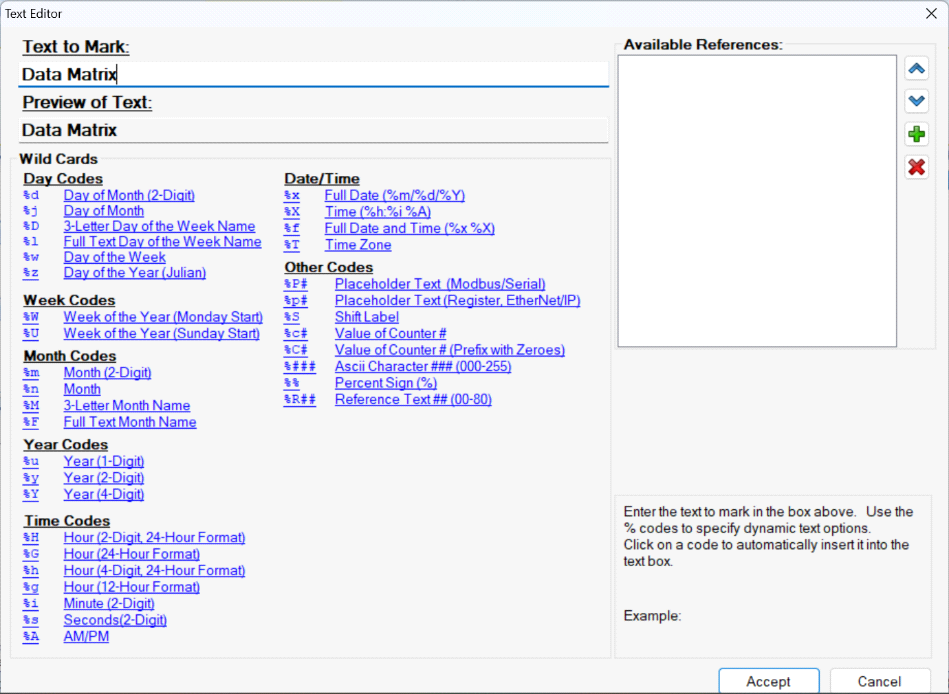

Editing Data Matrix Content
To modify the encoded data:
- Double-click the Data Matrix entity in the layout.
- The Data Matrix Editor window will open. The editor is similar in appearance and function to the Text Editor.
- Enter the desired data.
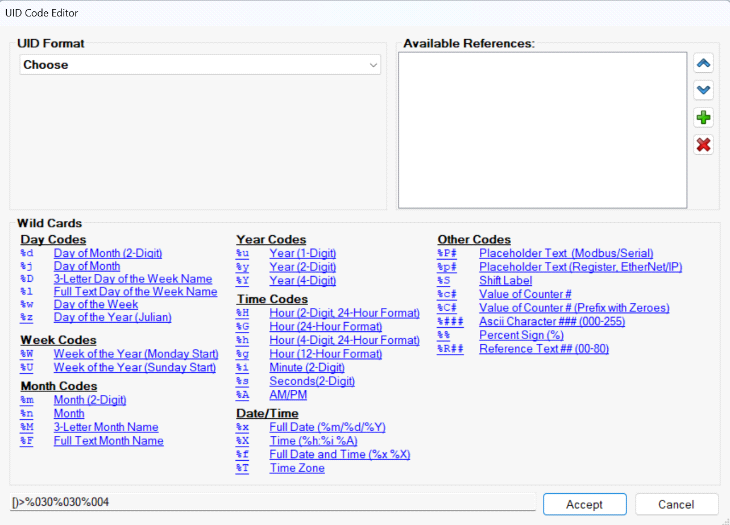
You may input:
- Fixed data (static values)
- Dynamic data (Wild Cards, counters, date, etc.)
- Select Accept to apply changes.
- Hover the mouse over the Data Matrix entity to verify the updated encrypted data. The Data Matrix will update automatically in the layout.
Created with the Personal Edition of HelpNDoc: 5 Reasons Why a Help Authoring Tool is Better than Microsoft Word for Documentation