Waypoint
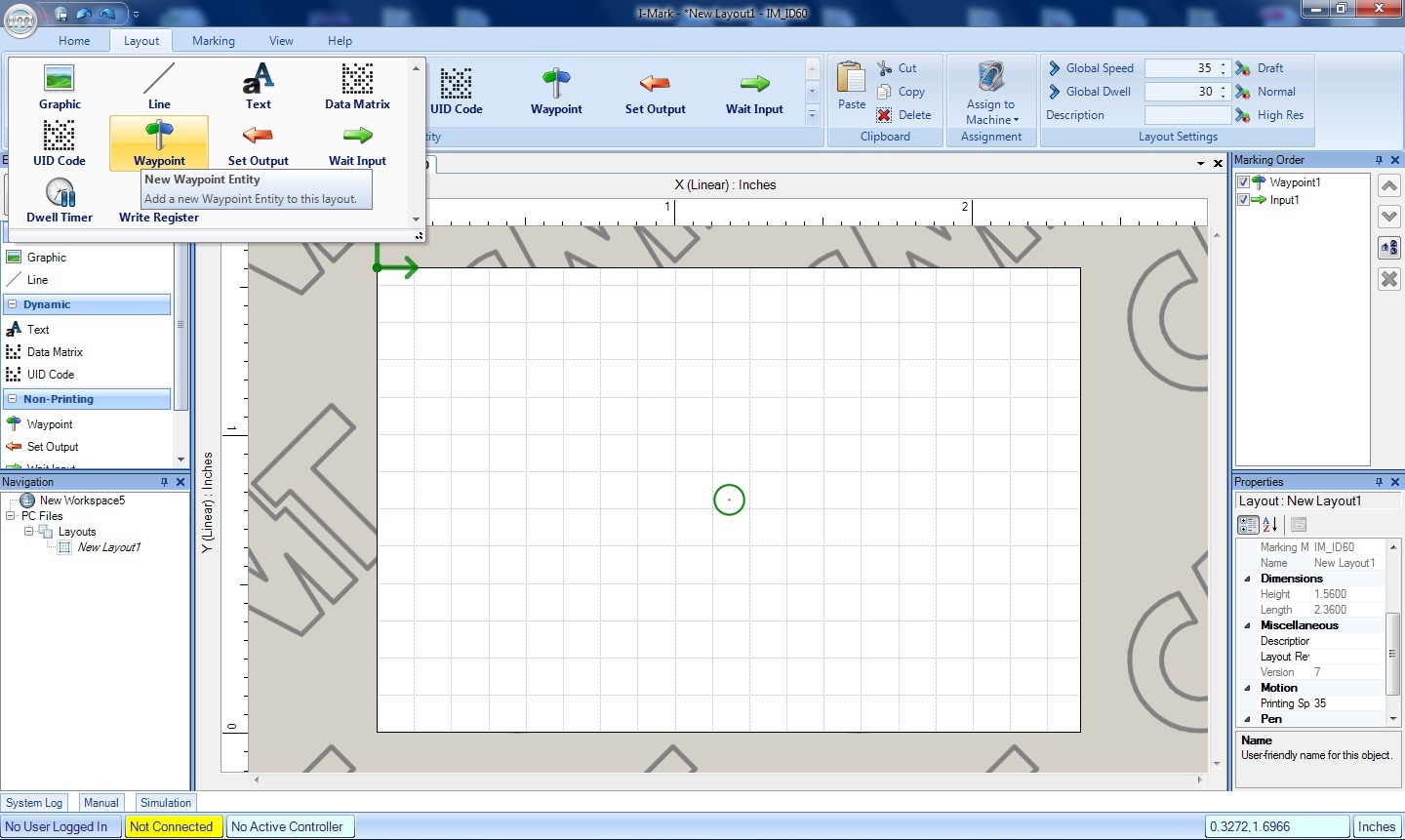
The waypoint icon is located in the Layout Ribbon. This entity is only made available if the system is set to Advance Mode. Clicking on this icon will create a new way point in the center of the marking layout and add it to the sequence in Marking Order Window. A waypoint can be used to direct the machine to that position in space.

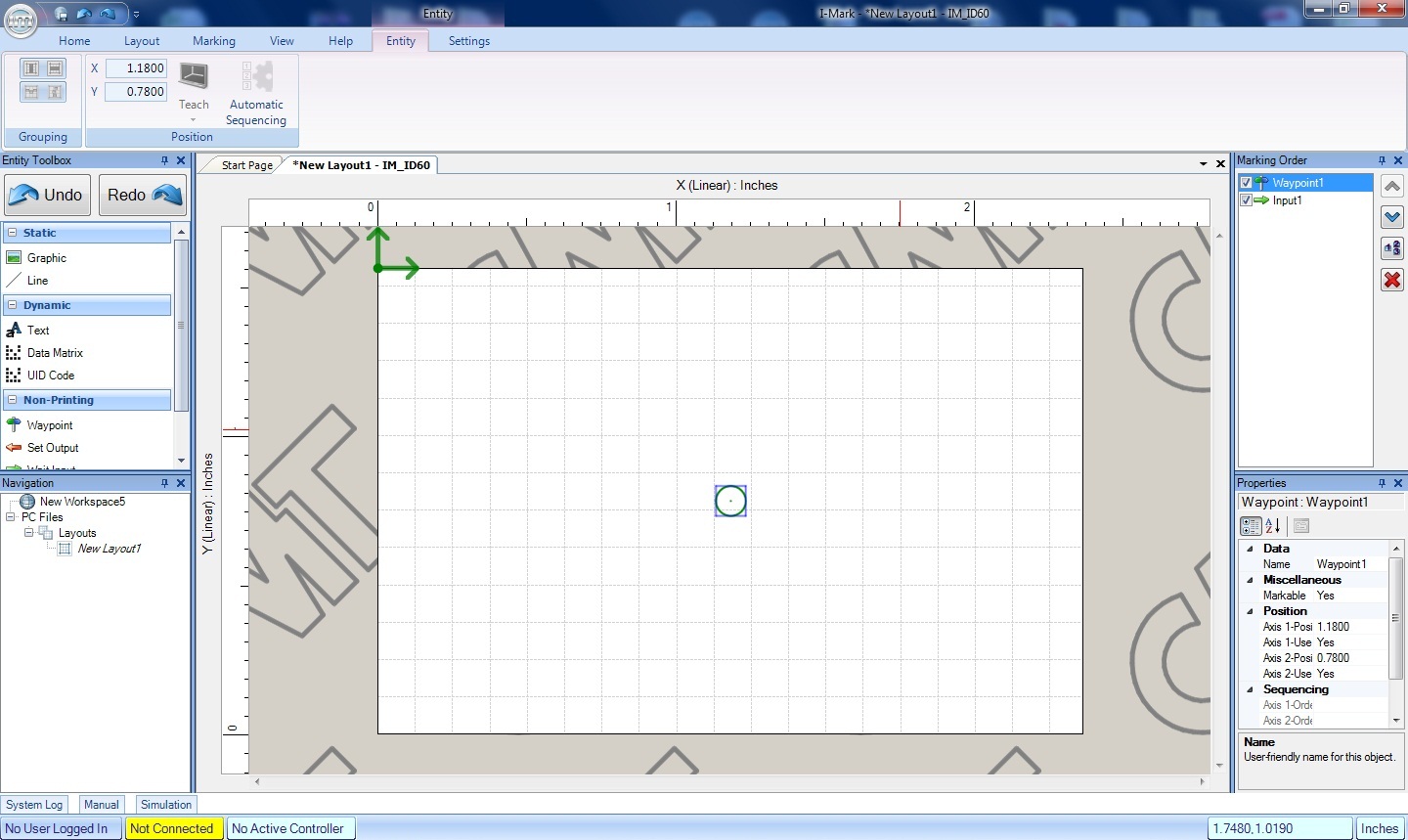
The properties of this way point are shown the Properties Window and the ribbon when the entity is selected. You can use the Manual Jog menu to teach the desired position or manual enter the coordinate needed for each axis. Using a series of way points is a nice way to create a critical path and avoid part relief and other obstructions. Or to position other devices such as probes, camera systems, and sensors to add to the machines flexibility.
Created with the Personal Edition of HelpNDoc: Effortlessly upgrade your WinHelp HLP help files to CHM with HelpNDoc