Step 1 Install the Software
If you have not done so, please install the I-Mark software now.
If you did not purchase a PC* with your CMT machine you will need to load the software provided with your purchase of your CMT machine. This section will help you get the I-Mark marking software installed on your PC*.
*All M Series and any custom systems that are supplied with a PC have the I‐Mark software preloaded. For these systems proceed to understanding which mode is best for you.
This Section is written with instructions to install the I-Mark software with USB connection support.
It is very important to install the software in the order listed with this instruction manual to limit the possibility of errors.
Locate your USB flash drive found in your quick start guide.
The Installation guide will walk you through setup of the software by simply reading the on-screen instructions you can get through the installation painlessly. Be sure to use the default settings and installation locations when going through the installer wizard.
Software must be installed on a PC running Windows®. This software is used to design the marketing layout.
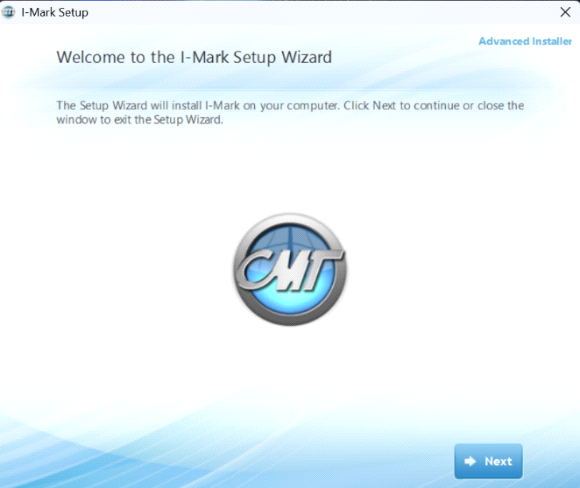
Steps:
- Insert provided USB thumb drive into USB port in PC.
- If program does not auto-start, proceed to use the windows explorer to access to device from your computer, and run the rile ../setup/I-Mark-Setup.exe.
- Follow on screen setup menu to complete the installation. Read the E.U.L.A for program and version highlights.
CMT Recommends the Install Now Choice, unless otherwise specified to not do so.
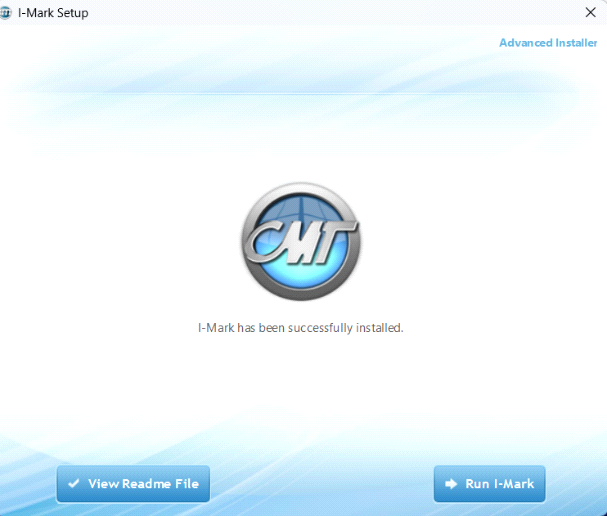
For the successful completion of software download please allow the installation application to make changes to your device.
Congratulations on the successful installation.
- Run the I-Mark program from the I-Mark Icon on the desktop.
Created with the Personal Edition of HelpNDoc: Protect Your Confidential PDFs with These Simple Security Measures